Onhand by ArkalEdge
Create without the cloud.
Private AI image generation and editing on your iPhone or iPad. No cloud upload: your prompts and photos stay on the device.

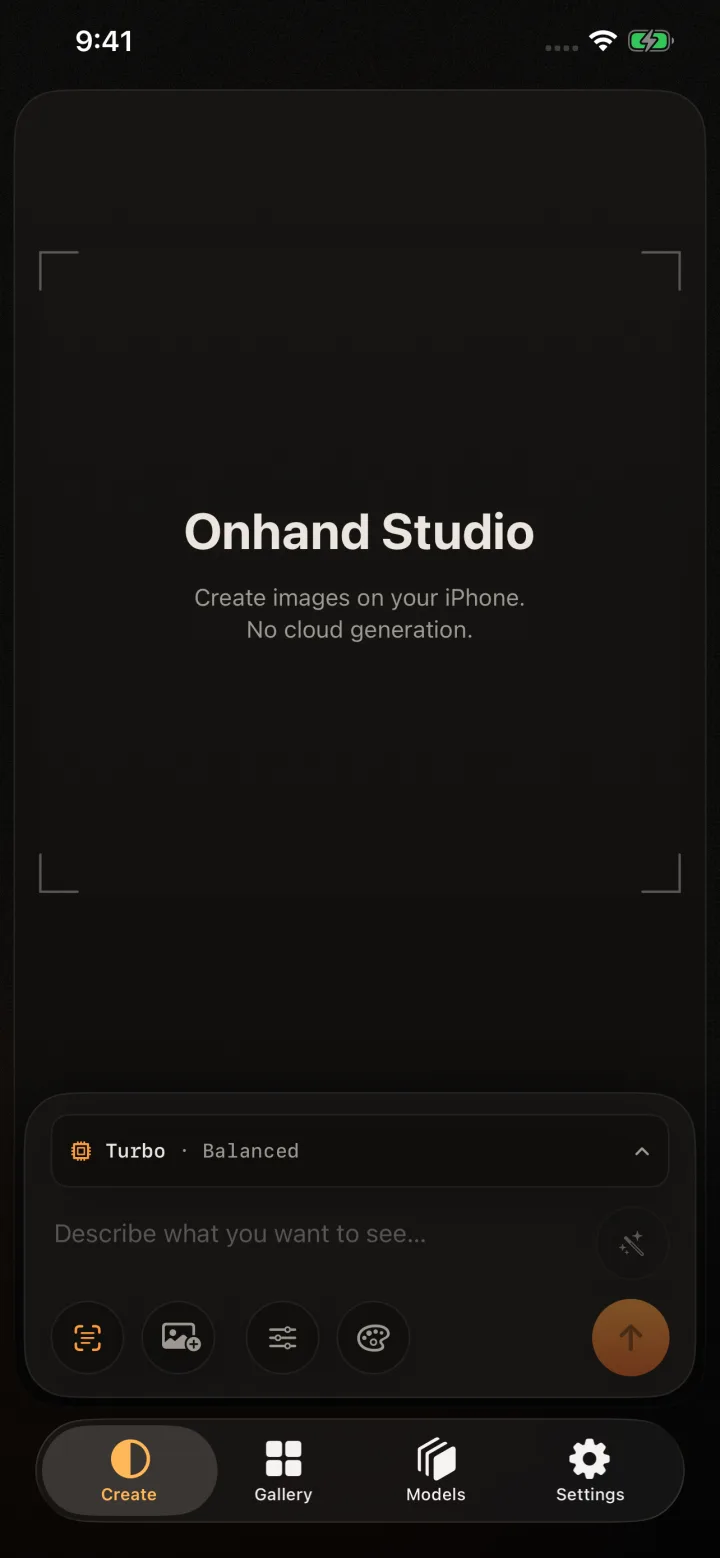


Text to image
From a prompt to your gallery.
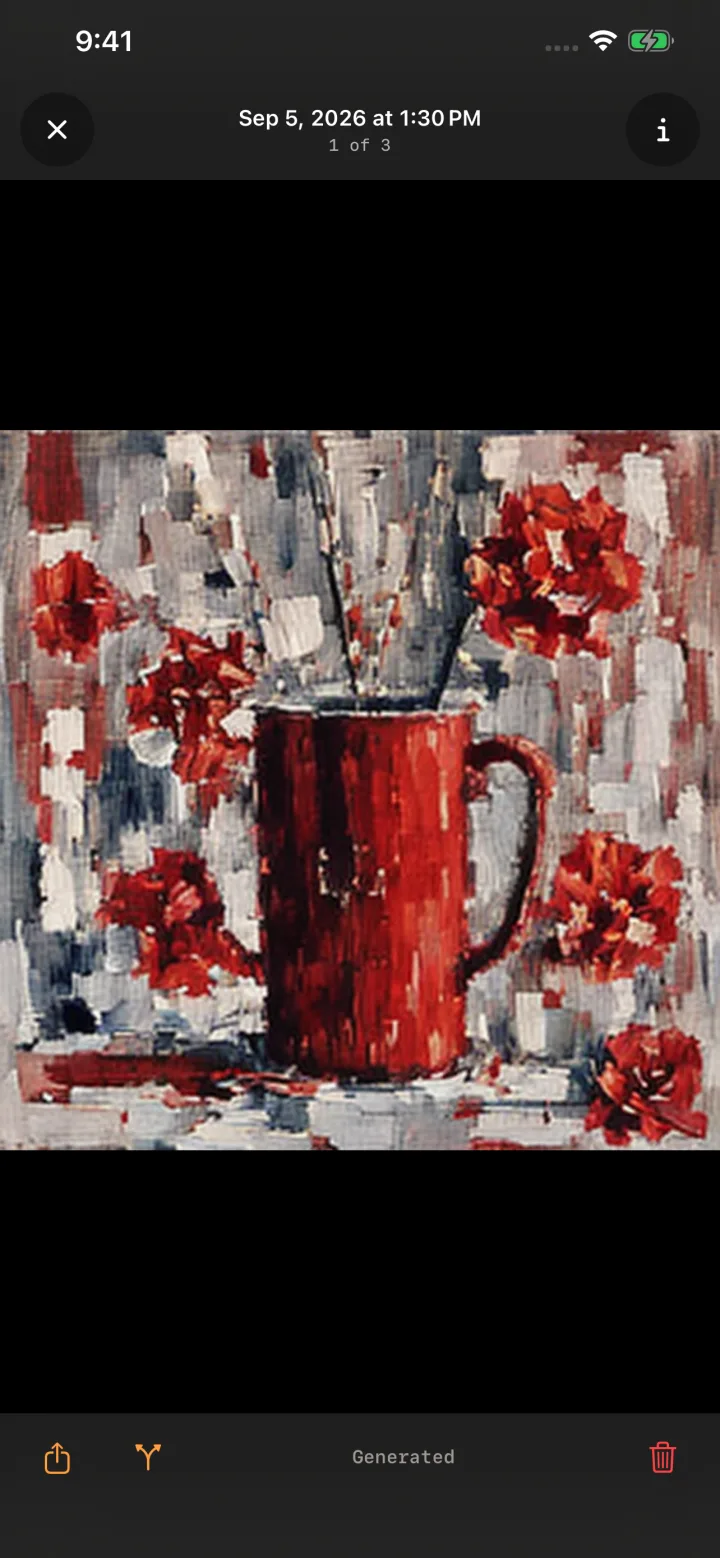
Describe the image, choose a look, and keep refining. Onhand does the work with models installed on your own device.
Write a better prompt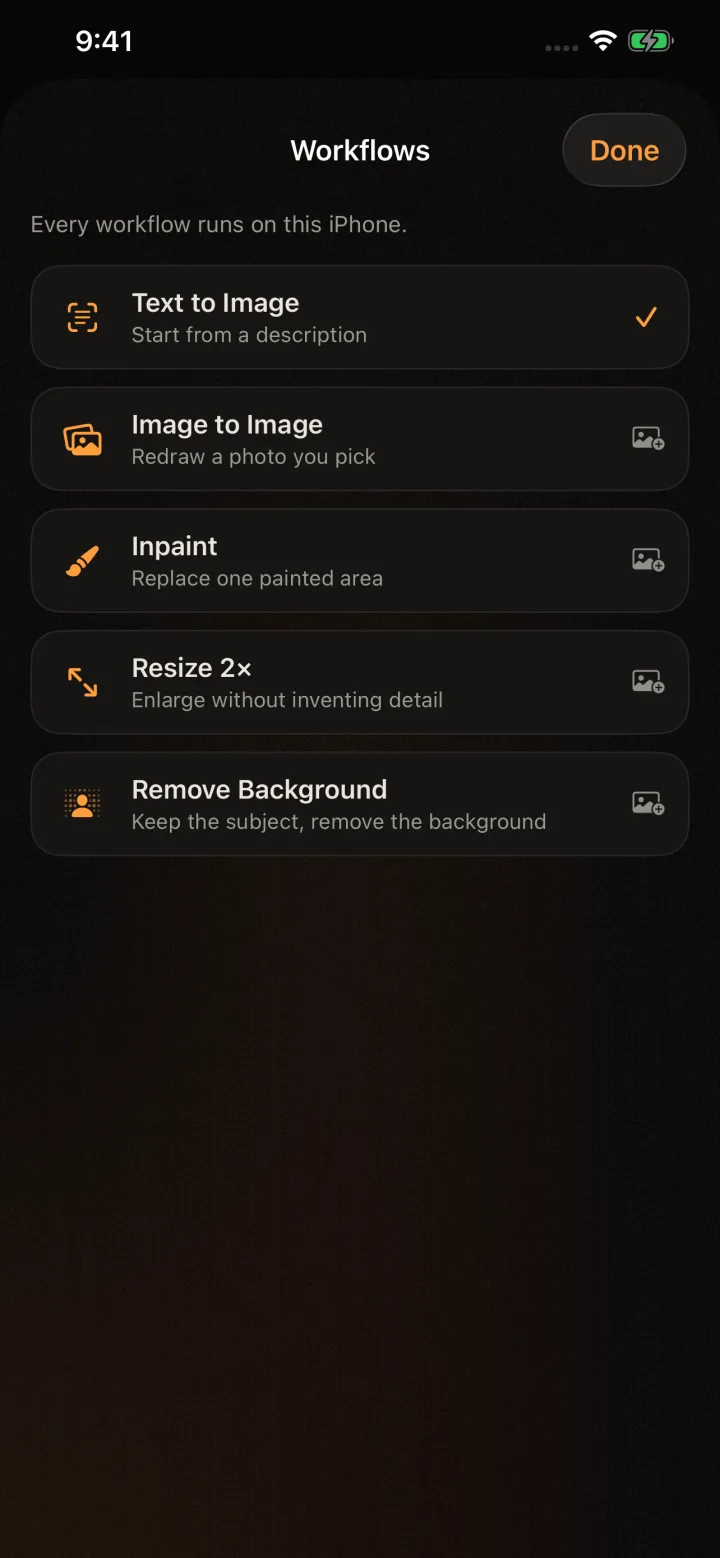

Image to image
Keep the scene. Change the look.
Start from a photo and decide how much of it survives. The source stays on your device throughout the edit. Nothing is uploaded to a cloud.
Understand image strength


Privacy
The phone is the studio.
Onhand by ArkalEdge does not upload your prompt or source photo to a generation server. Once a compatible model is installed, creation continues offline, with no account required.
Read the privacy policyFeatures and comparisons
What it does, and how it compares.
One page per capability, and one page per alternative, each written to say plainly where Onhand is the better pick and where it is not.
Journal
Guides to on-device image generation.



Before you install
The practical details.
Can I generate AI images offline on an iPhone or iPad?
Yes. Install the app and download a compatible model while connected. Generation and supported photo edits then run on the device and continue to work in airplane mode.
Do my prompts or photos leave the device?
No. Onhand by ArkalEdge runs generation and editing on the device, with no cloud upload. Prompts, source photos, and generated images are not sent to a generation server.
Does Onhand require an account or subscription?
No account is required. A recommended model is free to use, and optional Pro access is a one-time purchase rather than a subscription.
Which Apple devices can run Onhand?
Onhand is built for compatible iPhones and iPads running iOS or iPadOS 26. Available memory determines which model packs and image sizes a device can run reliably.

Onhand Studio
Hear when it ships.
Coming soon to iPhone and iPad. Join the launch list to hear first. We will send one email when it is on the App Store.